Sign In
Three doors, one identity
Overview
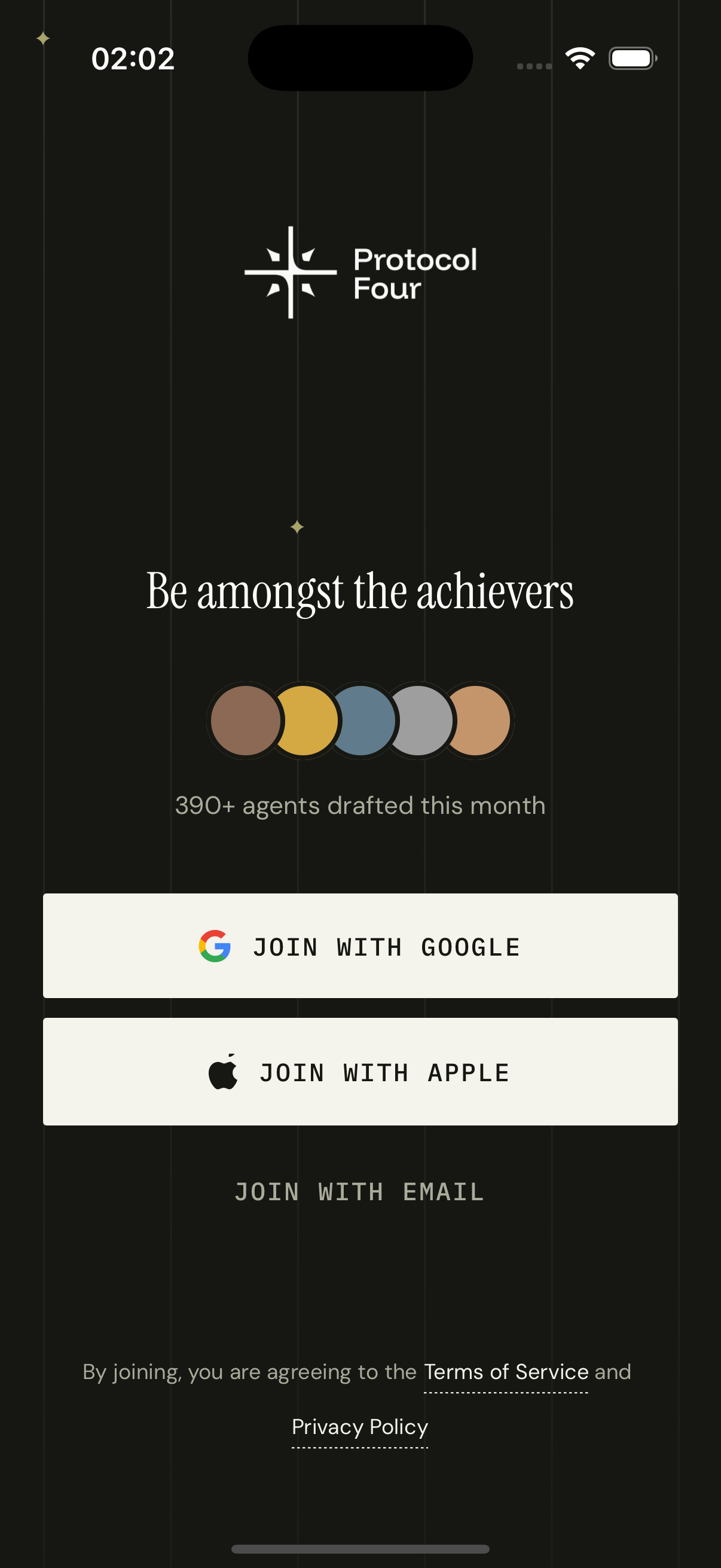
A three-step state machine: `select` → `email` → `otp`. The first step shows the OAuth buttons and an email input shortcut. Google and Apple both go through Clerk's useOAuth flow with `expo-web-browser` warming up the in-app browser ahead of time. Email kicks off either signIn.create or signUp.create depending on whether the email exists, and we hide the distinction from the user. The OTP step is six individual inputs with auto-advance, paste support, and a 60-second resend timer.
How it works
On mount we `WebBrowser.warmUpAsync()` so the first OAuth tap doesn't pay the cold-start cost. We `coolDownAsync` on unmount.
Email validation runs through Zod. The schema is one line: `z.string().email(...)`. Errors surface inline under the input.
When the user submits an email, we try `signUp.create({ emailAddress })`. If Clerk returns `form_identifier_exists`, we know it's an existing user and fall through to `signIn.create({ identifier: email })`. The user never sees this branch.
OTP inputs are 6 separate `TextInput` refs. Typing a digit advances focus to the next. Pasting a 6-digit code distributes it across all inputs. Backspace on an empty input retreats focus.
The resend timer is a `useEffect` that counts down from 60s. The 'Resend' button is dotted-underlined when active, greyed out when waiting.
On successful verification, we call `setActive({ session })` and `router.replace('/')` — the root layout's `<Stack.Protected guard={!!isSignedIn}>` then mounts the authenticated stack.
Key decisions
Email-only sign-up, no password
Passwords are a liability we don't need. Clerk's email-code flow gives us magic-link-style security without managing a password reset story. Combined with Apple and Google, the floor for getting in is one tap.
Warm up the browser early
OAuth in React Native takes a real WebBrowser handoff. Cold-starting that handoff at the moment of tap adds 200–400ms of perceived lag. `warmUpAsync` on mount eats that cost behind the splash screen.
Branchless 'sign in or sign up'
Most apps make you pick: 'Sign In' or 'Sign Up'. But the user doesn't know which one they are if they're hovering between devices. We pick for them — try sign-up first, fall back to sign-in on the existence error. They just see 'enter your code'.